You must log in to the app using the exact same email address and login method you used when you originally purchased your ticket.
Email Login:
Enter the email address associated with your purchase.
By default, we will send a one-time password (OTP) to your email.
If you have set a permanent password in your "Account details", you can also use that to log in.
Google / Apple Login:
If you used Google Login or Apple Login for your purchase, you must use the corresponding button in the app to log in.
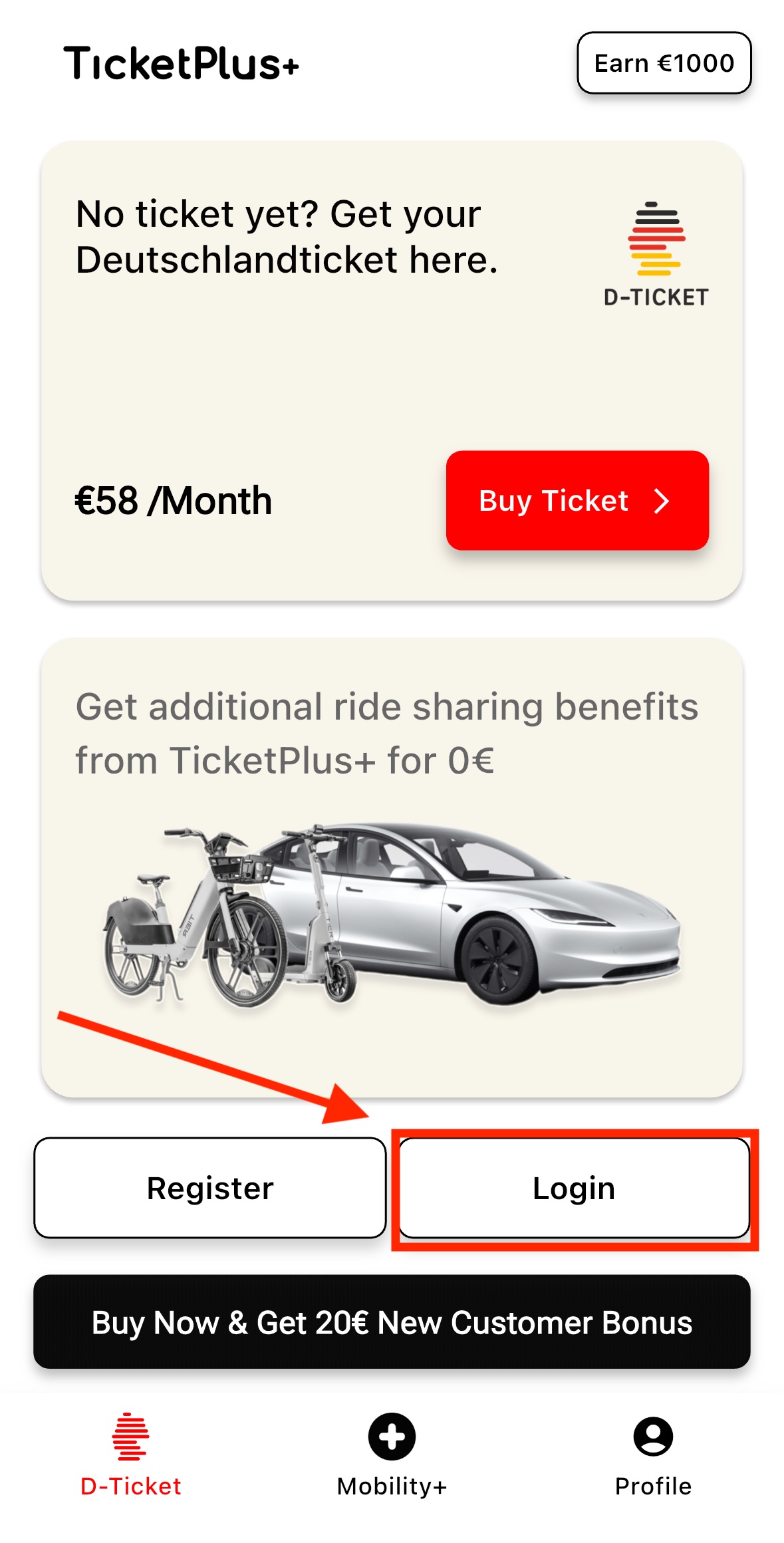
Important: If you already have an account, please use the "Login" button to log in to the app:
Was this article helpful?
That’s Great!
Thank you for your feedback
Sorry! We couldn't be helpful
Thank you for your feedback
Feedback sent
We appreciate your effort and will try to fix the article